Host on the big screen. Guests on mobile.
Selskabslege is built for the shared experience in the room: the host shows the game on a screen — ideally the TV, but a laptop or iPad is enough — and everyone plays from their own phone.
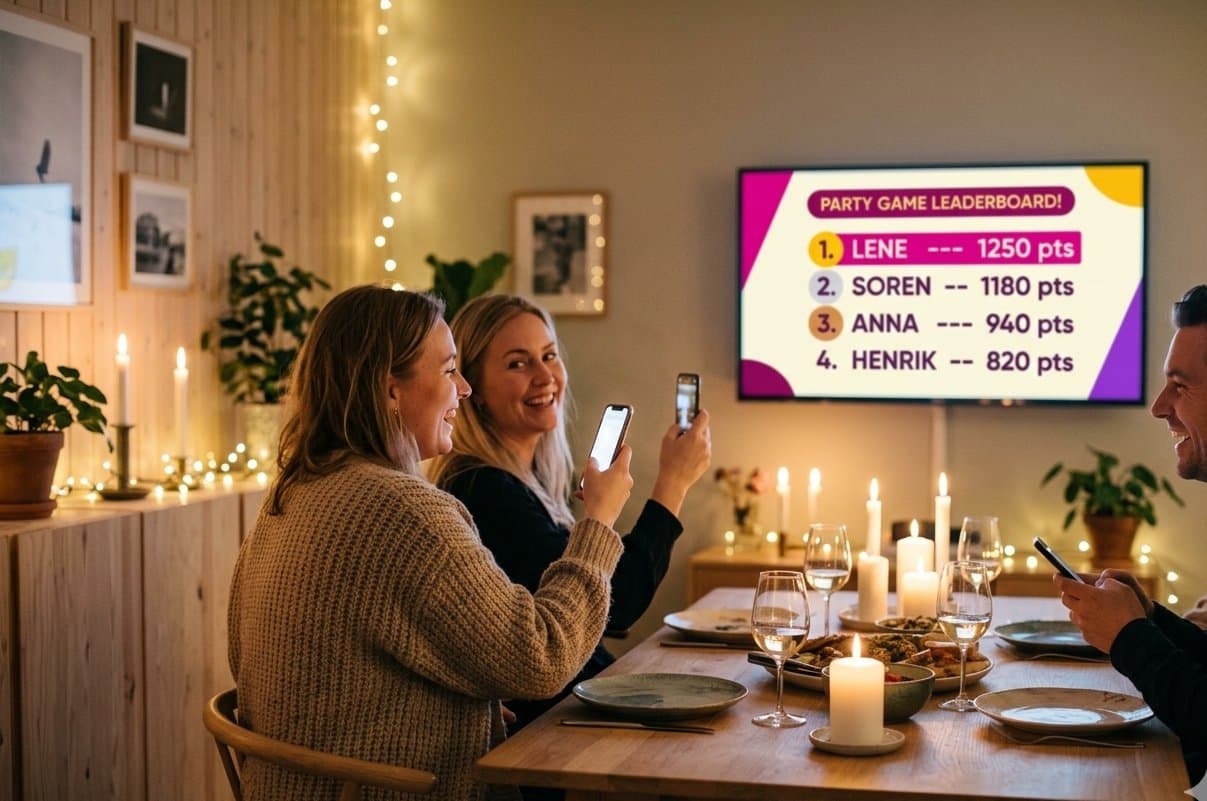
The host opens the game on a screen
The host runs the game from a computer, tablet or iPad. Want to make it extra festive? Cast the screen to a TV or projector with HDMI, Chromecast or AirPlay — but that's entirely optional. An iPad in the middle of the table works just as well.
Guests scan a QR code
Each guest scans the QR code on the screen (or on the table) and plays straight in the mobile browser. No app, no login, no waiting.
Live results everyone follows
Standings, reveals, the podium and BINGO cheers roll live on the host's screen — cast it to the TV and the whole room can follow along and cheer as the game runs.
What do you need?
A big screen is optional. All you need is the host's own screen — computer, tablet or iPad — and the guests' phones. The TV just makes it extra festive to follow along.
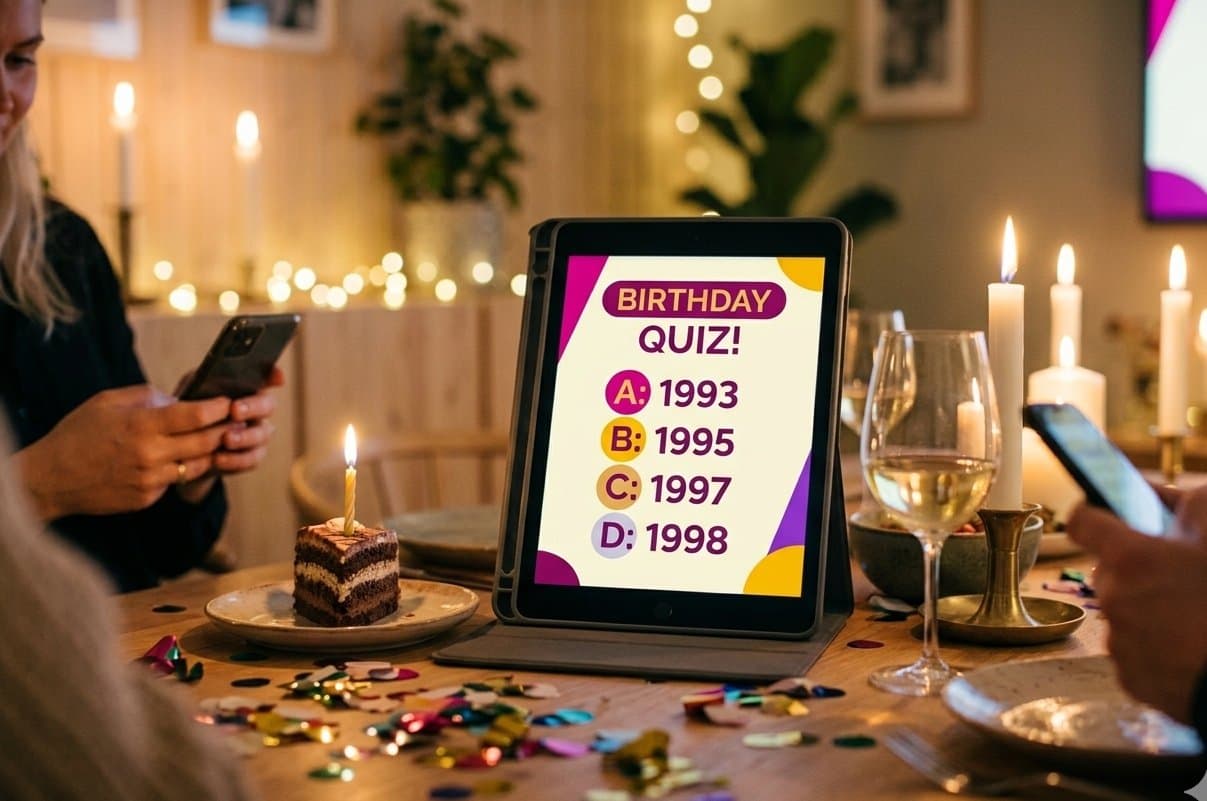
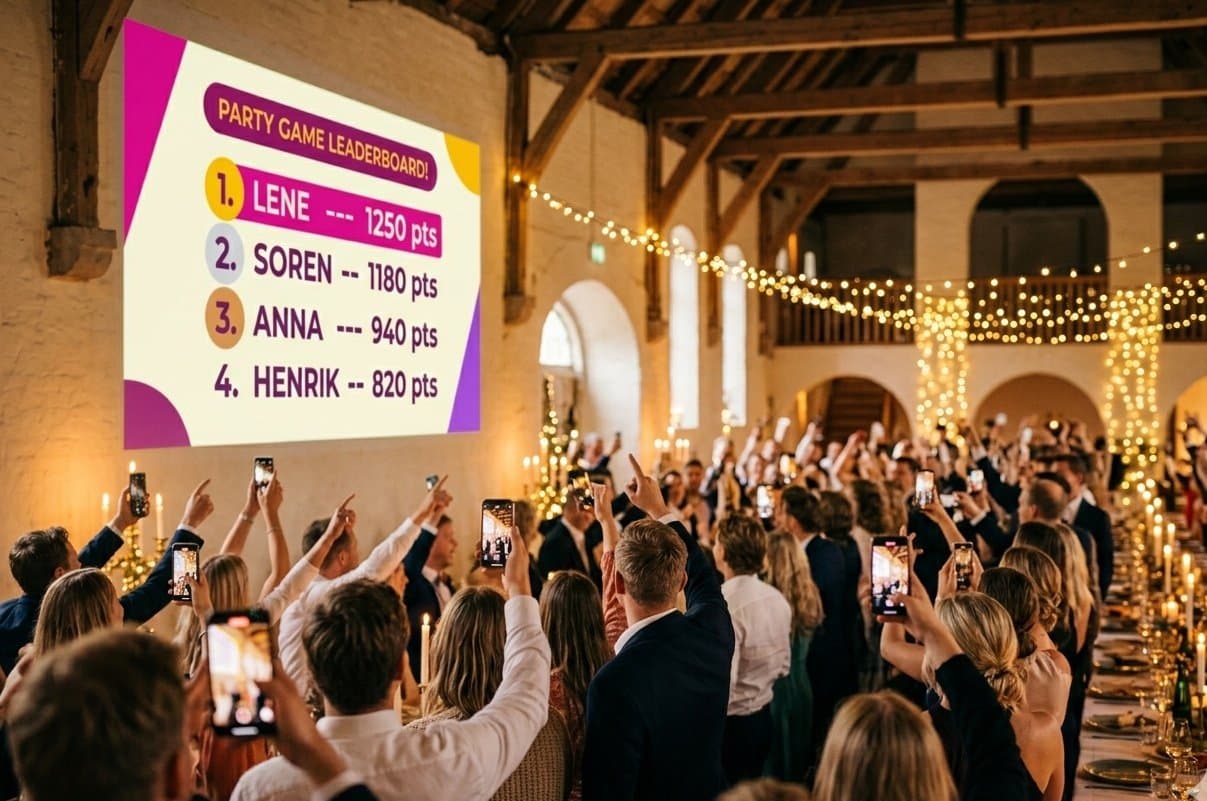
Games with a live big screen
These games have a dedicated big-screen view with live results:
- Story BingoThe story + number board + live standings and BINGO cheers on the big screen.
- How well do you know the host?Kahoot-style host screen: questions, countdown, correct answers and a leaderboard.
- Most Likely ToVotes and a dramatic podium reveal round by round.
- Meme BattleAnonymous entries shown, everyone votes, and the winner is crowned on screen.
Murder Mystery is played intimately at the table on each phone — with an optional cinematic big screen for atmosphere, the synchronized murder scene and the big reveal. The host opens it from the mystery host page.